
Make a tool
for Gothav
A tool is a program and a short description file. Gothav draws the form, runs the tool in a sandbox and saves what it makes.
You can build, test and package a tool today. Review is ready on Gothav’s side; the place to send your bundle opens later.
What a tool is
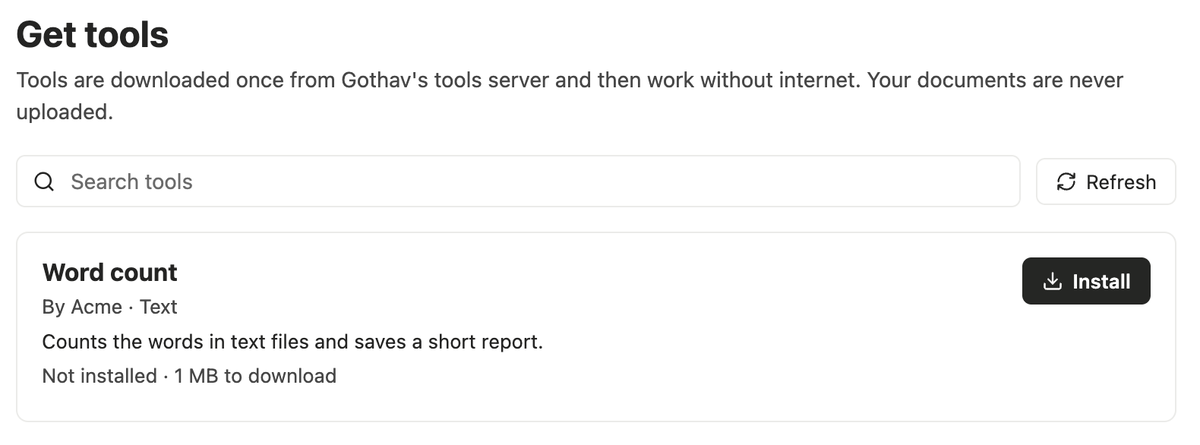
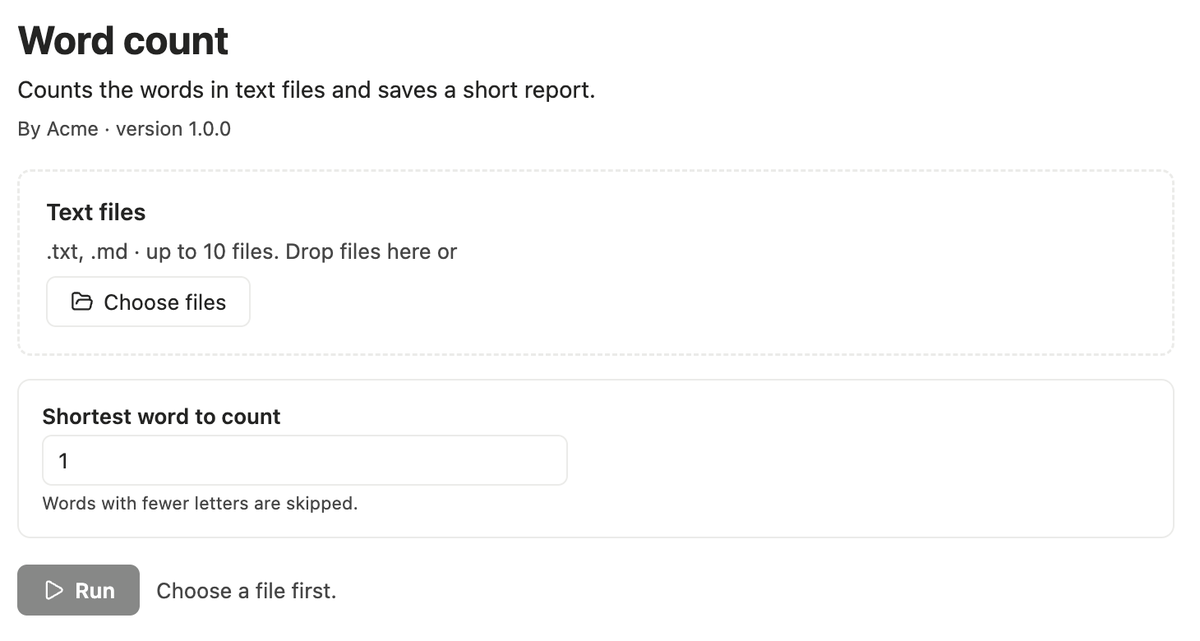
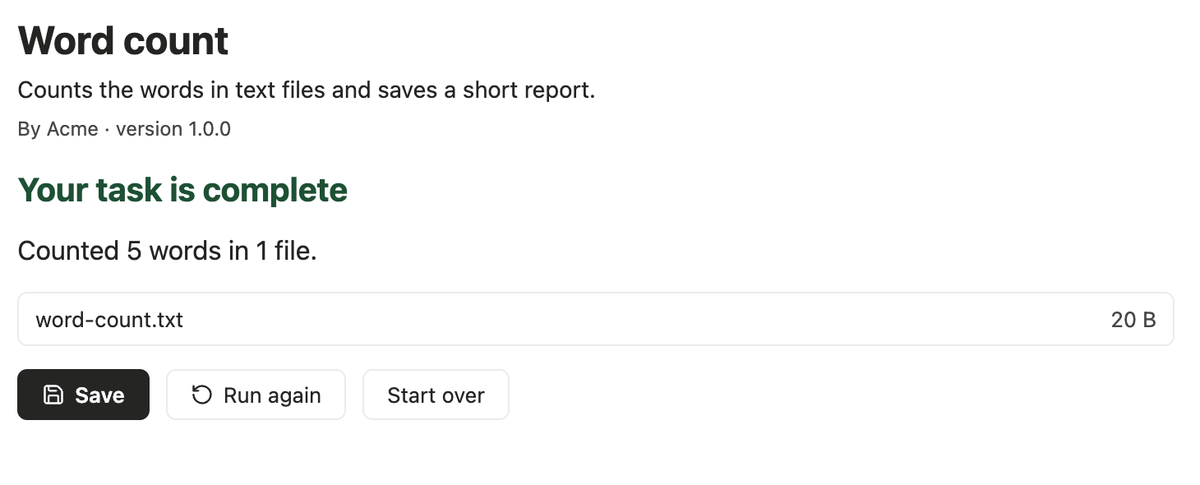
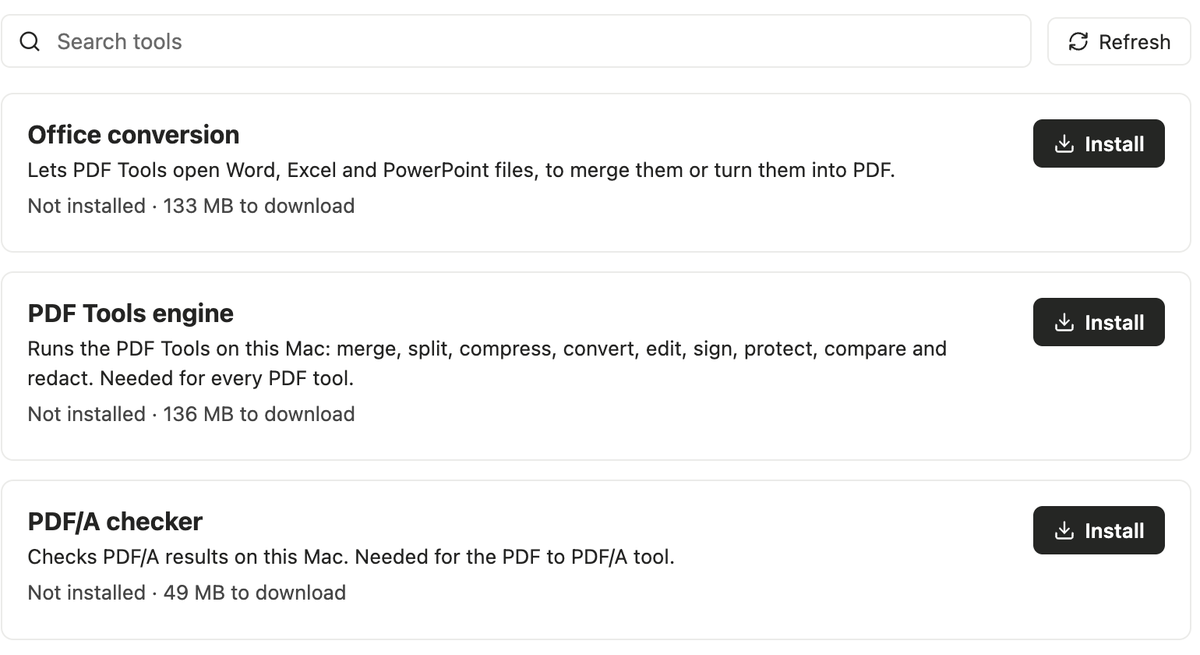
A Gothav tool takes files you choose, does one job and saves new files. You write the program and describe it in a file called manifest.json. Gothav draws the options form, picks the files, shows progress and results, and saves them.
Your tool never draws anything inside Gothav, and it never needs to. On the home page you can change a description file yourself and watch the form follow it, as it does in the app.
What people see
Start in five minutes
You need a Mac and Node.js 20 or newer. The Tool Kit starts you from a working word counter.
node gothav-tool.cjs init my-tool --id yourname.my-tool
cd my-tool
node ../gothav-tool.cjs build
node ../gothav-tool.cjs test --input sample.txt
node ../gothav-tool.cjs bundle
test runs the built tool in the same sandbox Gothav uses, so what works there works for people. bundle makes the source file you send for review.
The Tool Kit is not posted for download yet. It comes out with submissions.
The description file
| Field | What it says |
|---|---|
| id | Looks like yourname.toolname. The part before the dot is you. |
| name, description | Plain words people search and read. Say what the tool does. |
| version | Three numbers, such as 1.2.0. Every release needs a new one. |
| category, keywords | Documents, images, text, data or utilities, and up to ten search words. |
| run | The program to start, inside your tool’s folder. |
| inputs, outputs | The file types it takes and the file types it may create. |
| options | Yes/no, number, text or choice settings. Gothav checks the answers before your program starts. |
| limits | How long it may run: 1 second to 10 minutes. |
| permissions | Leave it empty. Tools get no extra access. |
Any field that is not listed here is rejected, so a typo cannot quietly change what your tool is allowed to do.
What a tool can and cannot do
- It has no network. Not the internet, not the local network.
- It can read its own folder, the files you gave it and the system. It cannot read your home folders or other disks.
- It can write only into its own results folder.
- It is stopped when it runs out of time.
- Its results must be plain files of the types it declared: at most 100 files and 1 GB in all.
How review works
- Intake. Your bundle is unpacked safely. The manifest must be valid, you must be the registered owner, and the version must be new.
- Build. Gothav runs your
build.shtwice in a sandbox with no network. The two results must be identical. - Try. A reviewer runs your tool in the same sandbox people’s Macs use, and reads your source.
- Decision. A named reviewer confirms six things: the description, the source, the build, the sandbox, privacy and the licence. Then they approve it, or reject it with reasons in writing.
- Release. Gothav signs it and adds it to the signed list. People find it in Get tools and on the tools page.
- Afterwards. Updates need a new version. A version found to be unsafe can be withdrawn, and Macs that have it stop running it.
Before your first submission Gothav registers your owner name to one contact email. Only that contact can submit tools whose id starts with it, so nobody else can publish under your name.
Each version must be higher than your last. A version that was withdrawn can never be used again.