
Your Gothav
guide
A local Mac workspace for notes, plans and documents, with tools that run on your own computer.
Find a home for an idea
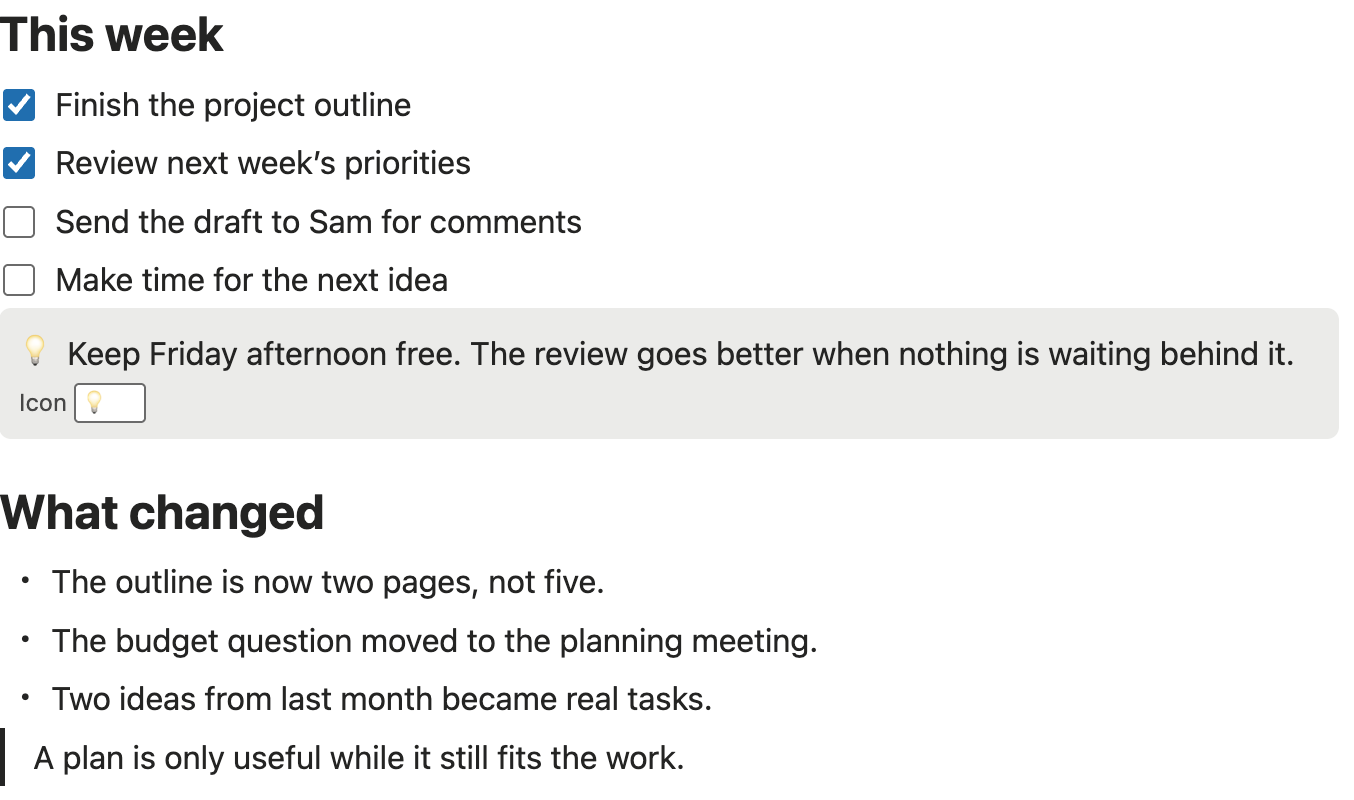
Create a page, give it a title and begin writing. Add headings, lists, checkboxes, callouts, code, links or a table. Nest pages to keep related work together. Use the Library, favourites and search to find it again.
Templates give you a start for meeting notes, project plans and weekly tasks. Table and Board views organise local database records with text, number, checkbox and select properties.
Your work and your data
Pages and tables are stored on your Mac and work without a cloud connection. Gothav is for one local user. Cloud synchronisation, shared workspaces and real-time collaboration are not available.
Export a page as Markdown or create a workspace backup. Back up attached media separately: a basic workspace backup does not include attachment files. Keep independent copies of important work; recent automatic backups are not a substitute for a long-term backup.
AI is a choice
Contextual writing assistance uses your own installed AI command-line tools and sign-ins. Review each proposed change before choosing Apply. Supported changes can be undone.
Connected AI features can use external services. Media AI sends the selected file only after you choose Send, and services may charge usage to your account. Local storage does not mean every optional AI feature runs offline.
Work with PDFs
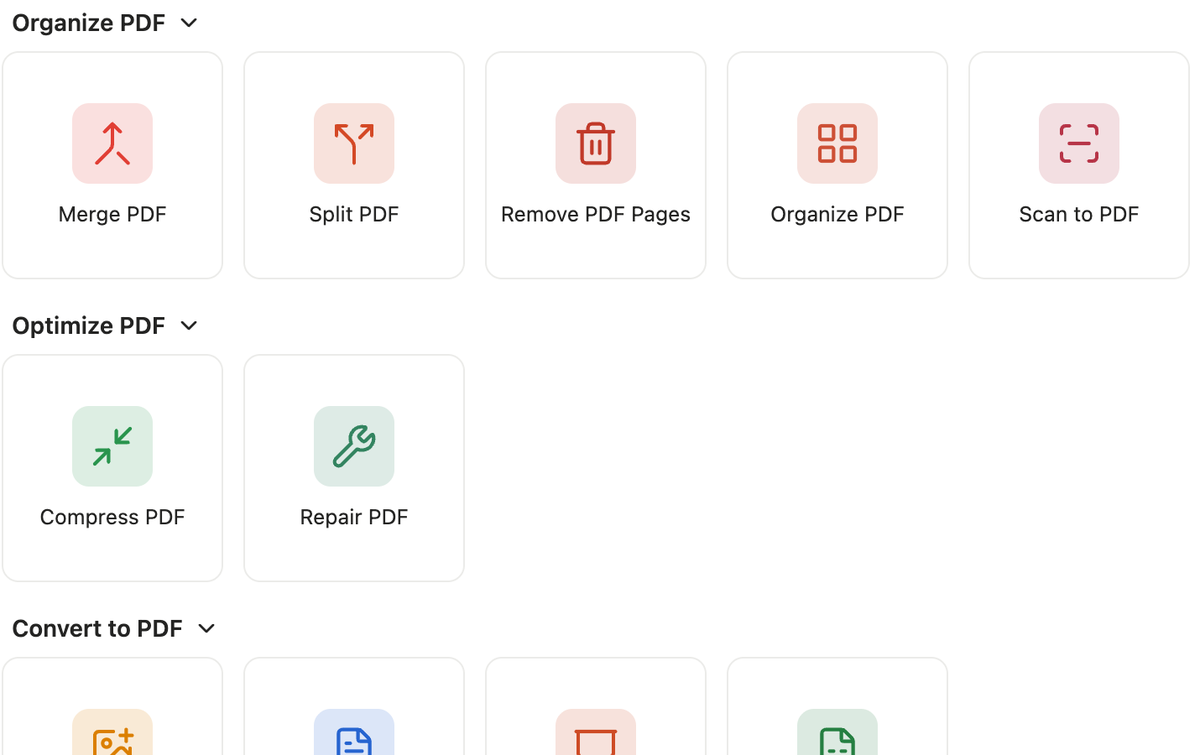
Open Tools, then PDF Tools. Download the PDF engine through Get tools before first use. Office conversion and PDF/A checking need their own optional downloads. After that, documents are processed on your Mac and every result is a new copy.
Text recognition (OCR) is not available: pages that are only pictures stay pictures. Image import does not pair a phone or scanner. Cropping changes the visible page area and keeps the content outside it.
Tools from other people
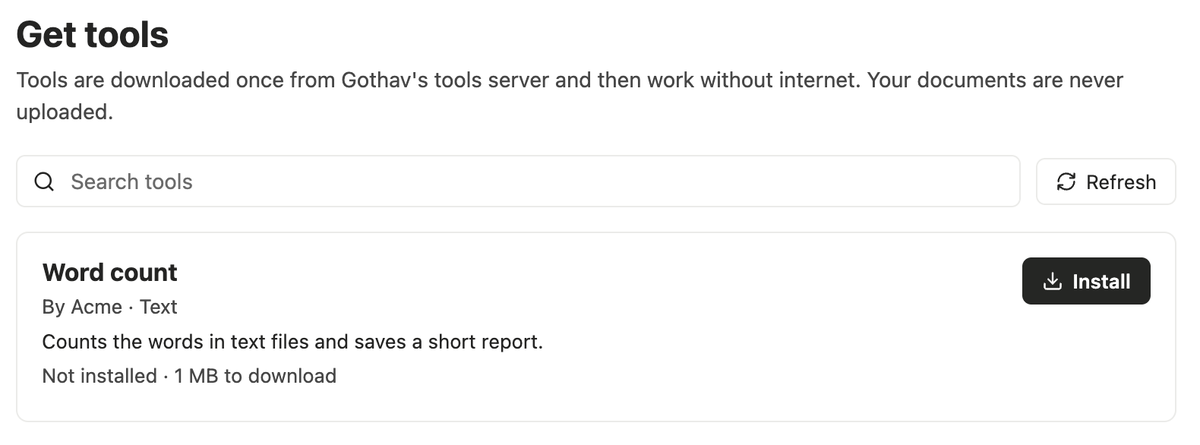
Tools, then Get tools, is a searchable shelf. Install a tool once, and it works without internet. Tools made by other developers show who made them, and Open lets you choose files, set the tool’s options, run it and save the results.
Every tool runs in a sandbox with no network and sees only the files you give it. Gothav checks each download against a signed list before it installs anything. If a version is withdrawn, Gothav says so and will not run it. The tools page shows the signed list, and the build page explains how a developer makes a tool for the shelf.
Try it on this website
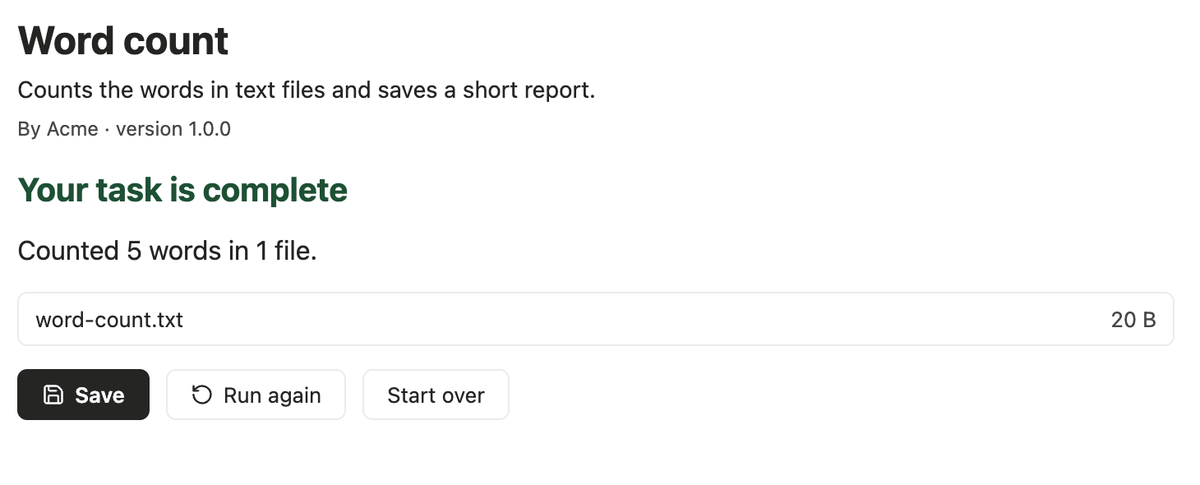
The word counter on the home page is an example tool. It counts words in your text, shows the result a tool shows and saves a real file. The description file beside it redraws its form as you edit it. Nothing you type is sent anywhere.
The pictures of Gothav on this site are screenshots of the app with sample content. The example tool is a sample, not a published tool.
Availability
A public download, price and release date have not been announced. The current app is built for Apple silicon Macs and is not yet notarised for public distribution. Windows, Linux and mobile apps are not available.